MakerBot Publishes Step-by-Step Guide for Adding 3D Printing to STEAM Lessons
- By Dian Schaffhauser
- 01/30/19
To help educators understand how to set up STEM-oriented 3D printing experiences for their students, MakerBot, which sells 3D printers, has put together a bundle of free resources for teachers, available in its educator program.
The heart of the set is a 198-page "educators' guidebook," which explains the basics of 3D design and how 3D printers work and how to use them. It also offers nine 3D printing lesson plans and includes guidelines for helping teachers introduce 3D printing into their classrooms and create their own lesson plans. A final section covers post-processing -- how to clean up printed models, paint them and use them as molds.
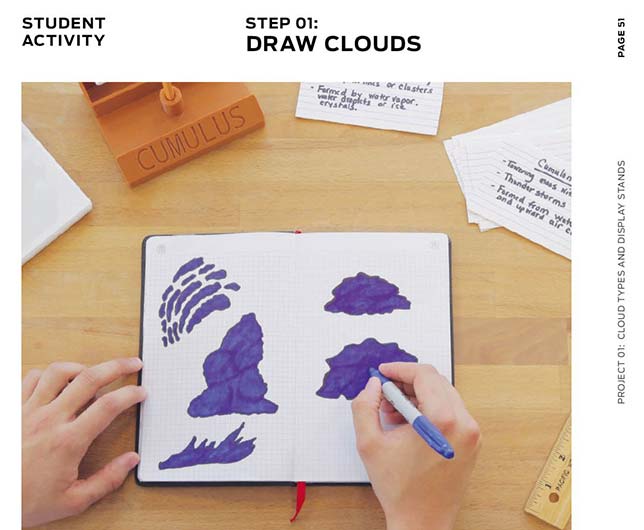
The projects profiled come from Thingiverse, a free 3D file library and community where participants contribute their downloadable plans for 3D objects. While MakerBot offers information specific to its own line of products, the lessons and resources can be used with any 3D printer that works with standard file formats.
The contents are spiced with advice from educators, like this tip: "Combine student projects: 'I wish I knew that you could combine multiple student projects into one large print file. This has saved me loads of time printing.'" Other guidance touches on how to assess student work, how to ensure student privacy and how to organize student files
The step-by-step lesson plans cover objectives, the learning standards addressed by the project and what the teacher needs to do to prepare.
Additional components in the education bundle include a 53-minute webinar on using 3D printing for STEAM lessons, a checklist on getting started and a 28-page sales booklet on MakerBot products and services for schools and teachers.
The bundle is available with registration on the MakerBot website.
About the Author
Dian Schaffhauser is a former senior contributing editor for 1105 Media's education publications THE Journal, Campus Technology and Spaces4Learning.